
GuideUpdated 8 min readBy the igbento team
How to View Instagram Stories Anonymously (Free, Private Accounts Included)
To view Instagram Stories anonymously, you need to stop Instagram from recording your view. The simplest free way is the igbento anonymous story viewer: turn on one switch in the Chrome extension, then watch Stories on instagram.com as usual. You won't show up in the viewer list, including on private accounts you follow.
This guide explains how Instagram decides who viewed a Story, how to set up anonymous viewing step by step, what it hides and what it doesn't, and how it compares with story viewer websites and the old tricks people still pass around.
Key takeaways
- Instagram puts you on a Story's viewer list when its player sends a "seen" report. Stop that report and you stay off the list.
- igbento's free anonymous story viewing does this on instagram.com in Chrome, as yourself, so it also works on private accounts you follow.
- Turn it on before you open a Story. A view that was already recorded can't be removed.
- Story viewer websites only show public accounts, are often full of ads, and should never get your Instagram password.
How Instagram knows you viewed a Story
Every Story has a viewer list. The owner can open it while the Story is live and for a while after it expires, and see each account that watched it. Instagram doesn't send a notification when you view a Story. You simply appear in that list.
The list is built from your side. When a Story plays in the Instagram app or on instagram.com, the player sends a short "seen" report to Instagram with the Story's ID. That report is what adds your name, and it is also what turns the colored ring around a profile picture grey.
So staying anonymous comes down to one thing: watch the Story without that report reaching Instagram.
How to view Instagram Stories anonymously with igbento
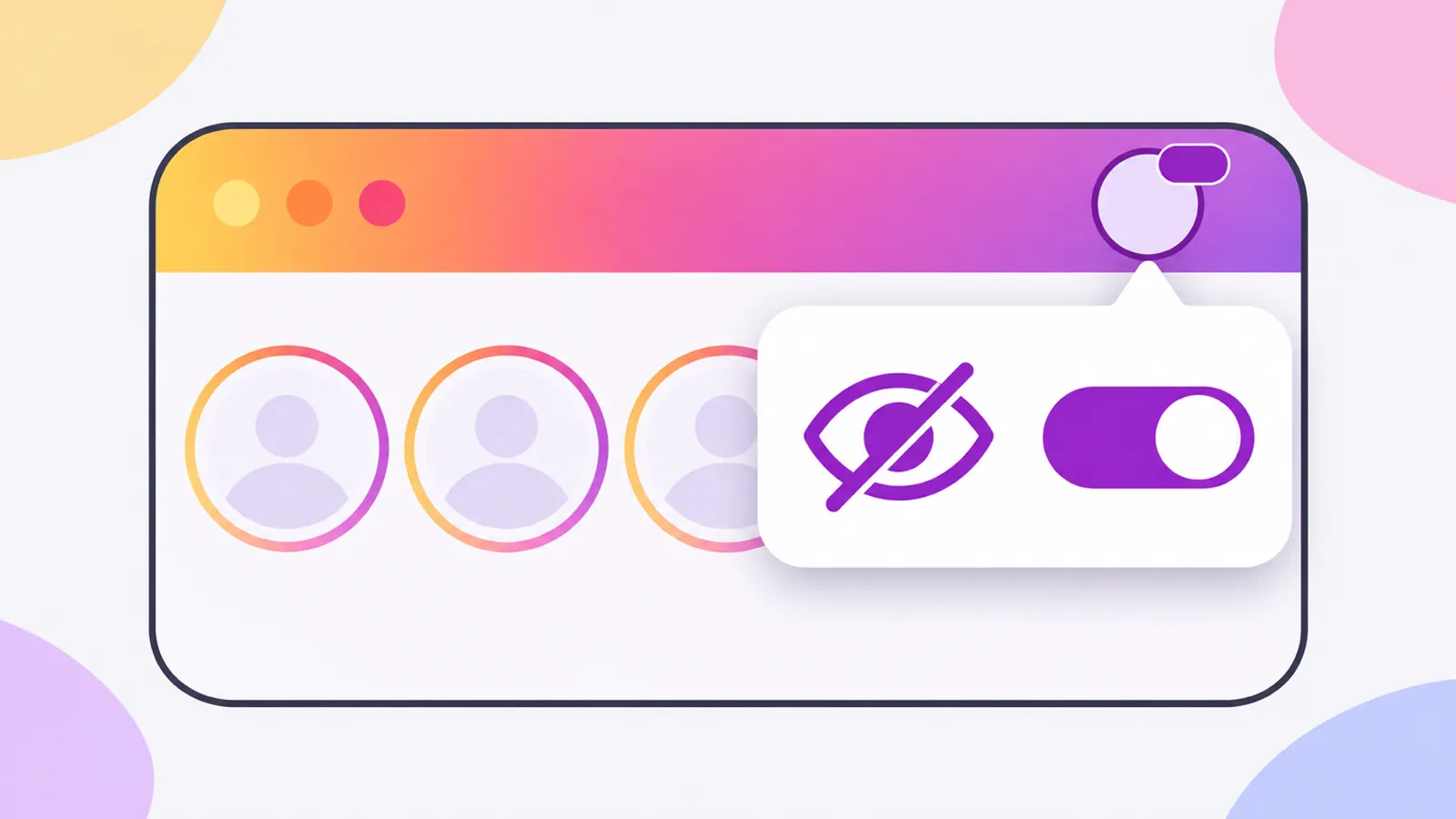
igbento is a free Chrome extension for Instagram. Anonymous story viewing is part of the free version, with no plan, trial or sign-up. Setup takes about a minute:
- Add igbento to Chrome on your computer from the Chrome Web Store.
- Log in to instagram.com in the same browser, the way you normally do. igbento never asks for your password.
- Click the igbento icon in the Chrome toolbar and turn on Anonymous story viewing. The icon gets an ANON badge, and its tooltip says the mode is on.
- Watch Stories on instagram.com as usual: tap a ring, skip, pause, go back.
Instagram tabs that are already open switch over automatically. If one can't, igbento asks you to reload it before you watch Stories there. To go back to normal, click the icon again and turn the switch off.
What anonymous mode hides, and what it doesn't
With the mode on, igbento holds back the "seen" report inside your browser and lets every other request through. Stories load from your own account, at full quality, exactly as Instagram serves them.
| Action | Does the owner see it? |
|---|---|
| Watching, pausing, skipping a Story | No, you stay off the viewer list |
| Watching Stories of a private account you follow | No |
| Replying to a Story or sending a quick reaction | Yes, it arrives as a direct message |
| Liking a Story | Yes |
| Sharing the Story in a DM | Depends on the account, so assume yes |
One thing can look odd at first. In the tab you're using, Instagram greys out the ring after you watch, because the page updates itself. Reload the page and the ring is colored again: Instagram never received the view, so as far as it knows you haven't seen it.
Other ways to watch Stories anonymously, compared
People have tried plenty of workarounds over the years. Here is how they hold up today:
| Method | Private accounts | How well it works |
|---|---|---|
| igbento anonymous story viewing | Yes, the ones you follow | Reliable on instagram.com in Chrome on a computer |
| Anonymous story viewer websites | No | Public accounts only, often slow, broken or covered in ads |
| A second account | Only if that account is approved | Works, but the second account shows up as a viewer instead |
| The "half swipe" peek | Yes, if you follow them | Shows only a frozen first frame of the next profile's Story, and one slip counts as a view |
| Airplane mode | Yes, if you follow them | Unreliable: the app can send the view once you reconnect |
The second-account route is honest and simple, but it doesn't make you anonymous, it just changes the name on the list. The swipe and airplane mode tricks depend on how the app happens to behave in a given version, which is why they keep breaking.
Are anonymous Instagram story viewer websites safe?
Search for "Instagram story viewer" and you'll find many sites where you paste a username and see that account's Stories without logging in. They work by fetching Stories on their own servers. That has some built-in limits:
- Public accounts only. No website can show Stories from a private account. Any site that claims it can is trying to get something from you.
- Never type your Instagram password into one. A story viewer has no reason to need it. Sites that ask for it, or for a "verification" survey or app download, are phishing or ad farms.
- Ads and redirects. Many of these sites pay for themselves with aggressive pop-ups. Be careful what you click and don't install anything they push.
- They break often. Instagram limits automated access, so these sites regularly stop working or show old Stories.
They can still be handy on a phone for a public account. For anything else, watching inside Instagram with the view report held back is both safer and more complete. Our guide to checking whether an Instagram tool is safe lists the same warning signs in more detail.
Limits, and using it fairly
- Computer only. It works on instagram.com in the browser where igbento is installed. Stories you watch in the Instagram app on your phone are counted as usual.
- No access you don't already have. You see what your own account can see. Private accounts you don't follow stay private.
- Instagram can change. If Instagram changes how its player reports views, the extension has to catch up. We test against the live site and ship updates when that happens.
Most people use anonymous viewing for ordinary reasons: checking an ex's or a competitor's Story without starting a conversation, or simply catching up without being counted. Please don't use it to keep watching someone who has made it clear they don't want contact.
Want to keep a Story you watched? The igbento downloader saves Stories and Highlights in original quality.
Frequently asked questions
Can you view Instagram Stories anonymously for free?
Yes. igbento's anonymous story viewing is part of the free Chrome extension. Turn it on in the igbento menu, then watch Stories on instagram.com and you won't appear in the viewer list.
Can someone see that I viewed their Story if I use an anonymous story viewer?
Not if the viewer stops the view from being recorded. With igbento, Stories you watch while anonymous mode is on never send the seen report, so you don't appear in the list. Stories you watched before turning it on are already counted.
Can I view private Instagram Stories anonymously?
Only from private accounts you already follow. igbento uses your own logged-in session, so it works on those. No tool can legitimately show Stories from private accounts you don't follow.
Does Instagram notify someone when you view their Story?
No. Instagram doesn't send a notification for Story views. You only appear in the Story's viewer list, which the owner can open themselves.
Does anonymous story viewing work on iPhone or Android?
Not in the Instagram app. igbento works on instagram.com in Chrome on a computer. Story viewer websites work on phones, but only for public accounts.
Is it against Instagram's rules to watch Stories anonymously?
Instagram doesn't publish a rule about it. igbento doesn't log in for you or ask for your password; it only stops one report your browser would send. Use it respectfully, and not to keep watching someone who doesn't want contact.
See who doesn't follow you back on Instagram
Free Chrome extension. No password, safe daily limits, and your lists never leave your browser.
- No password
- Lists stay in your browser
- Safe daily limits
Related guides
 SafetyIs an Instagram Unfollow Tracker Safe? A 5-Point ChecklistA 5-point checklist for judging whether an Instagram unfollow tracker is safe, plus what to do if you already shared your password.8 min read
 UnfollowersWho Doesn't Follow Me Back on Instagram? 3 Ways to Find Out and Unfollow SafelyThree ways to see who doesn't follow you back on Instagram, how to decide who to unfollow, and how to do it without an action block.10 min read
 How-toHow to Export Instagram Followers to CSV (2 Ways)Two ways to turn an Instagram followers or following list into a spreadsheet, and how to compare lists in Excel or Google Sheets.8 min read